
a company
Aletheia
ἀλήθεια · unconcealment
Color Grading Suite
7,980 film looks. One-time price.
a company
ἀλήθεια · unconcealment
Color Grading Suite
7,980 film looks. One-time price.
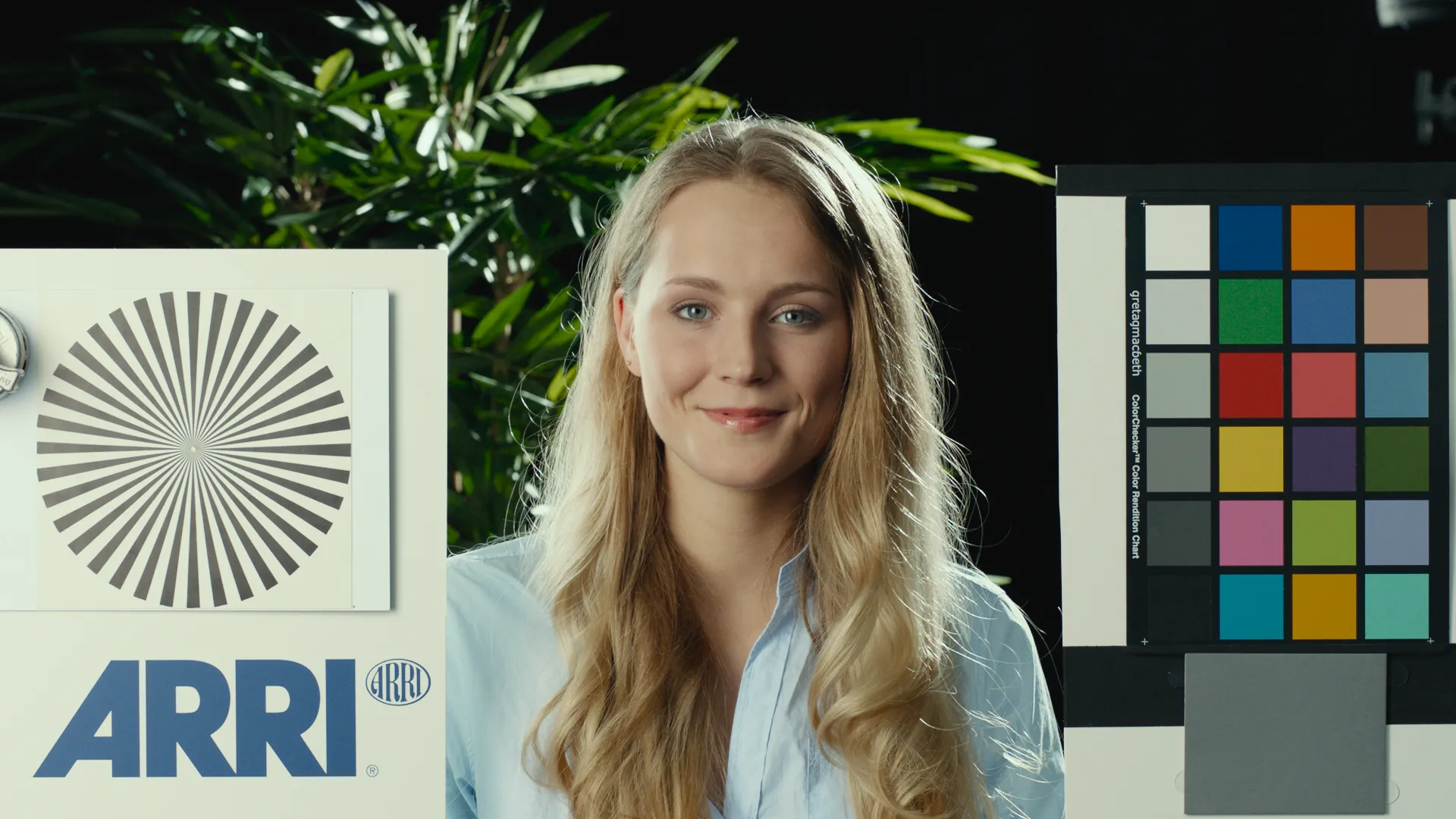
42 stocks from Kodak, Fuji, and Agfa. Per-stock H&D curves.
19 stocks from Kodak and Fuji print families.
Organic red glow around bright sources. Gauge-aware.
Coarser in shadows, finer in highlights. Gauge-aware.


Look Development
42 negative stocks, 19 print stocks, 9 dye processes.
Before & After
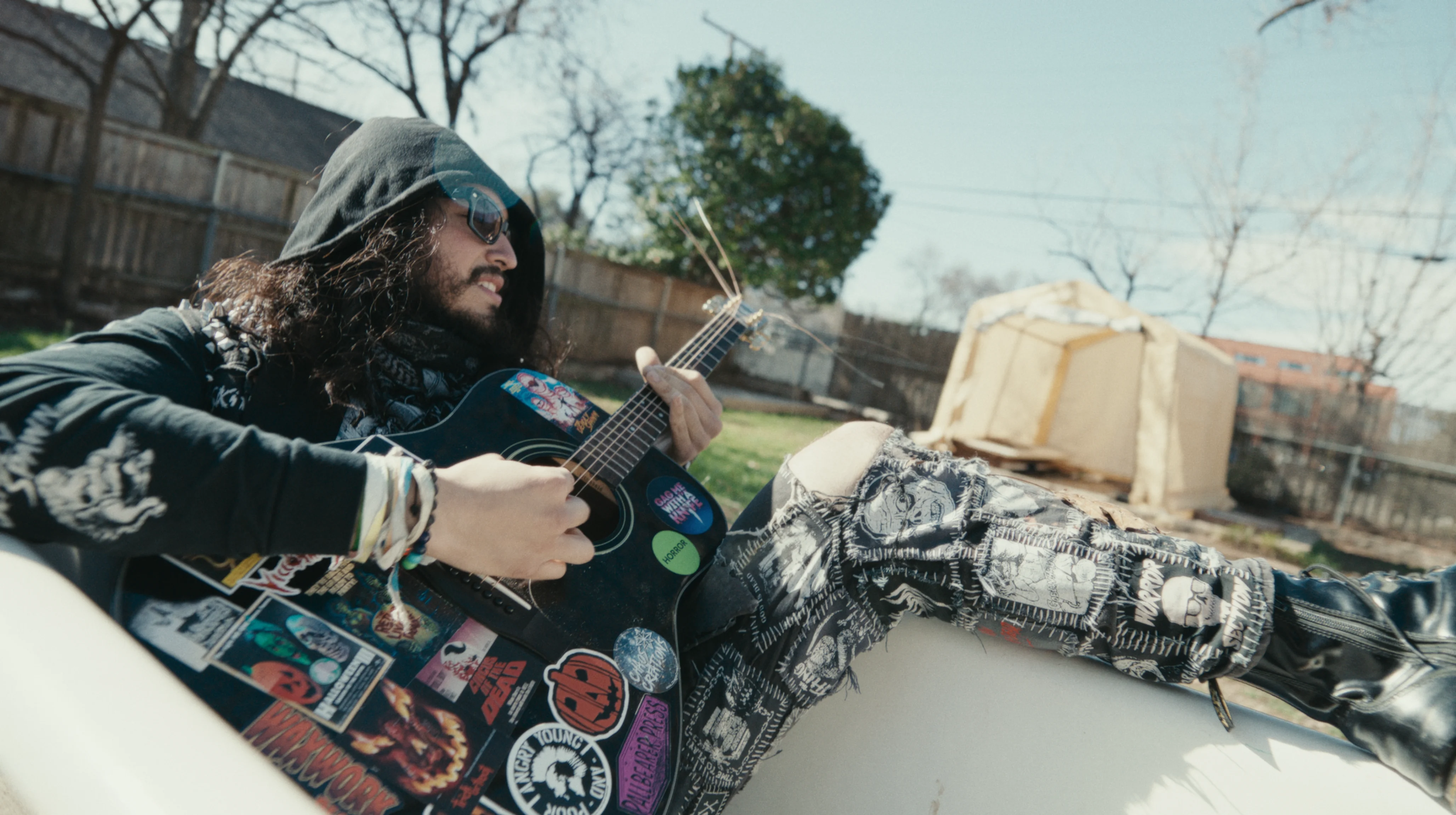
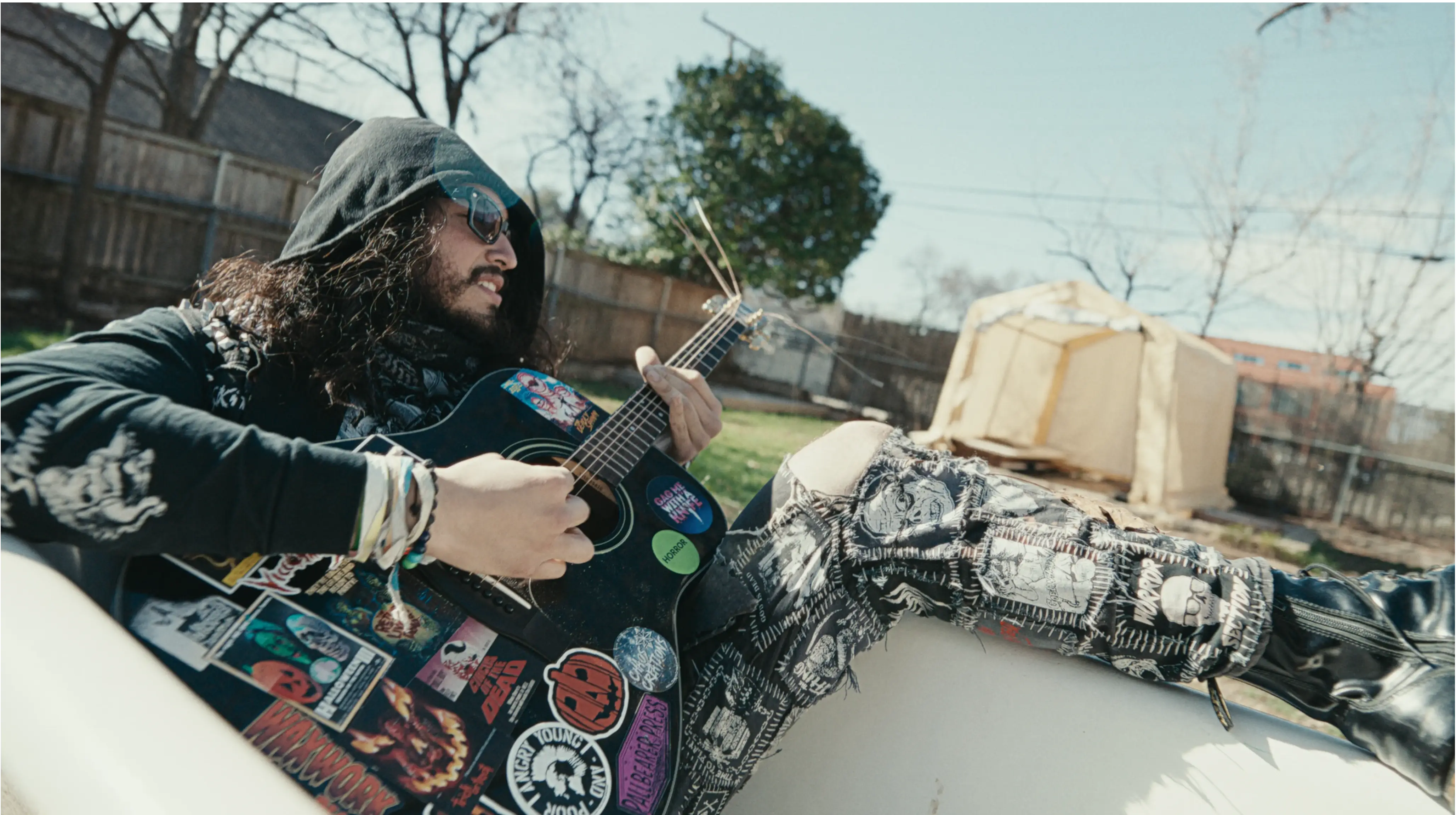
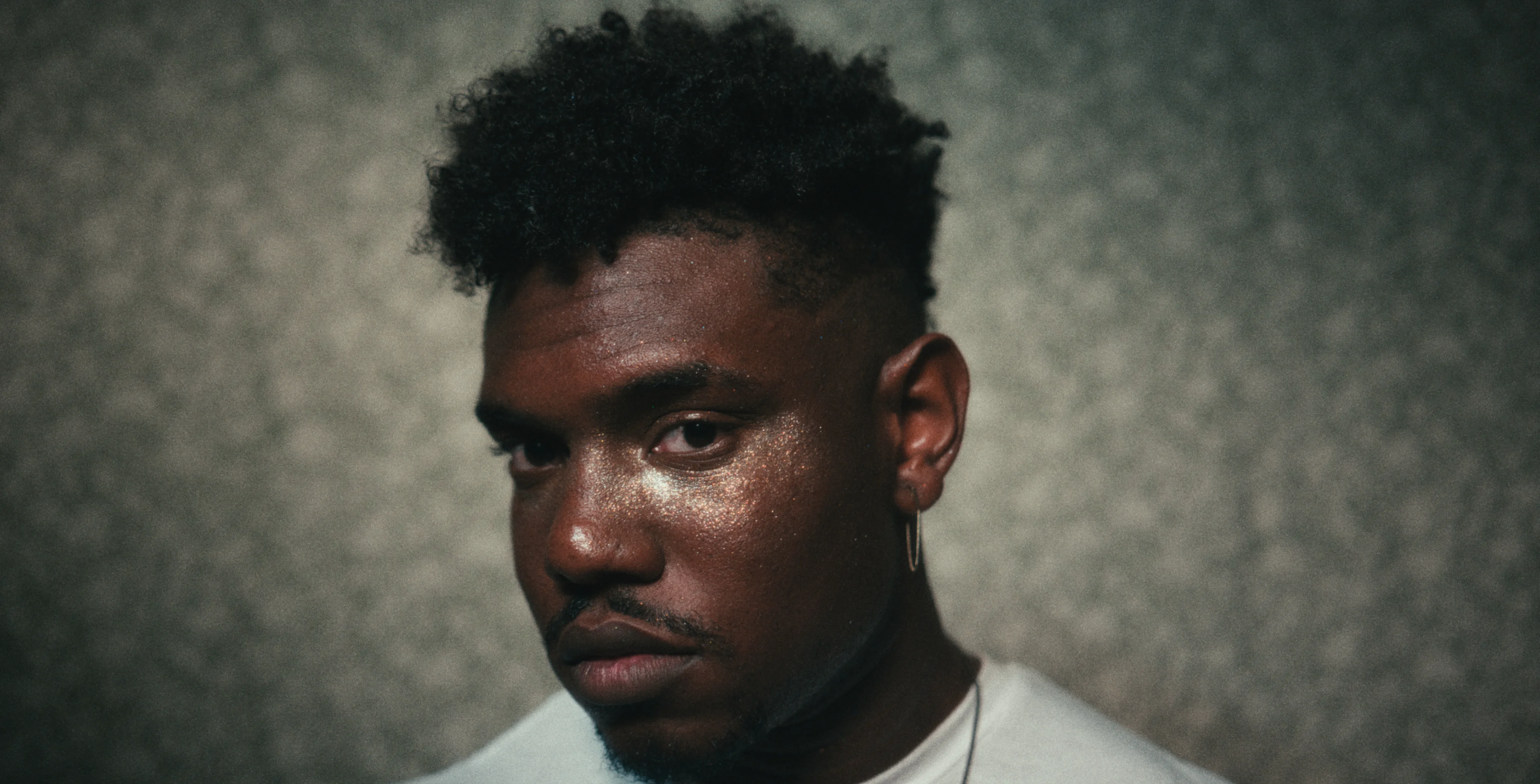
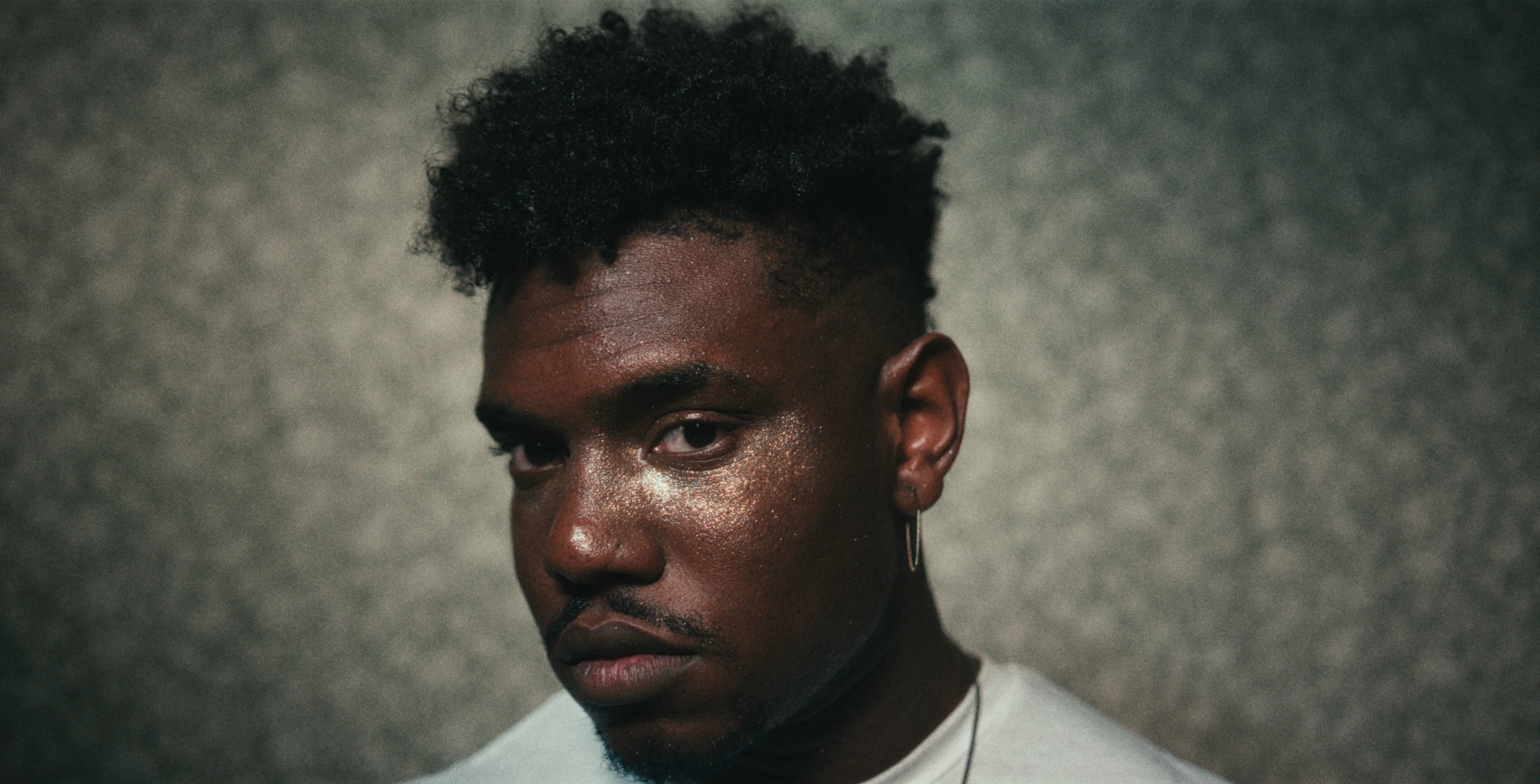
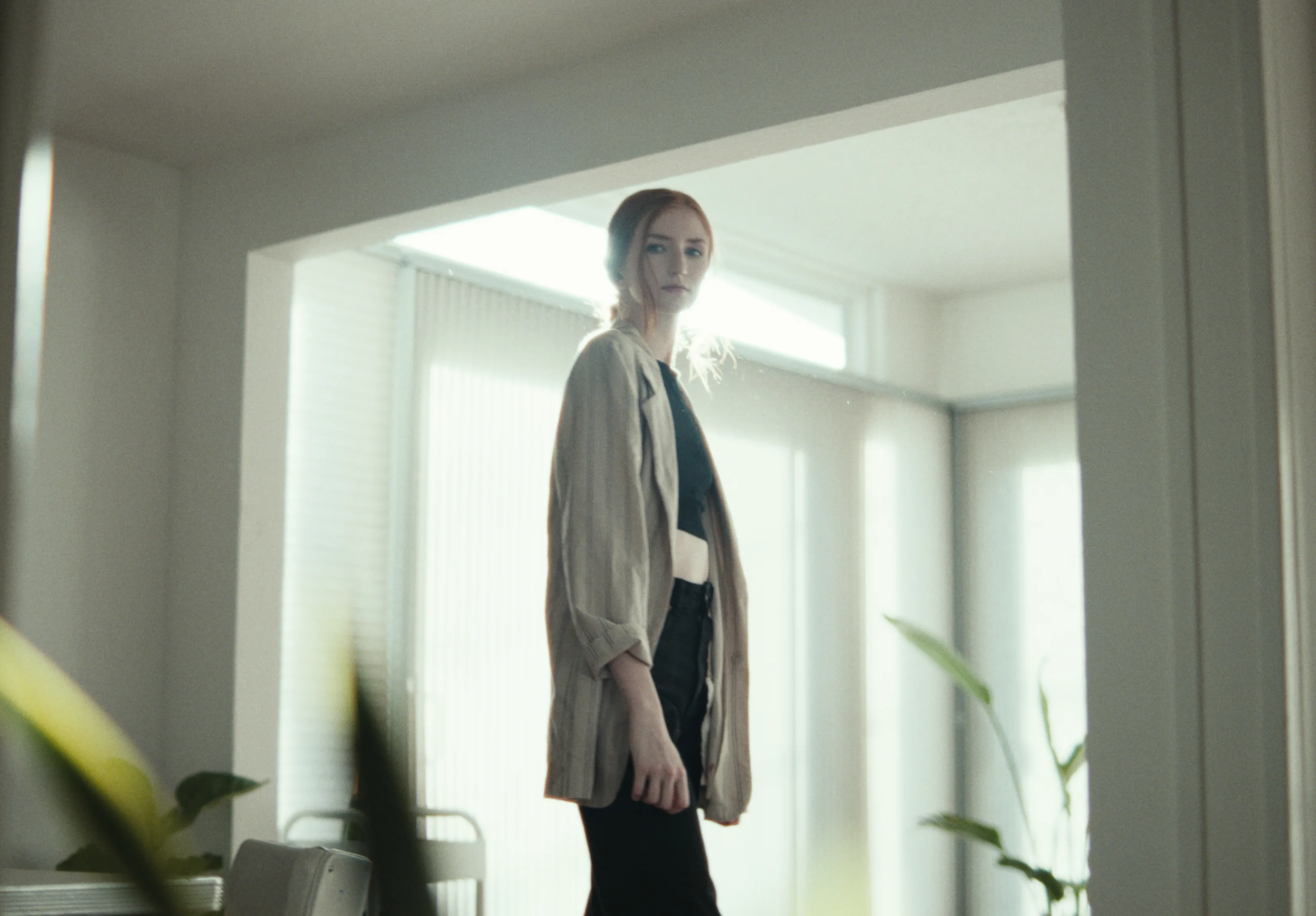
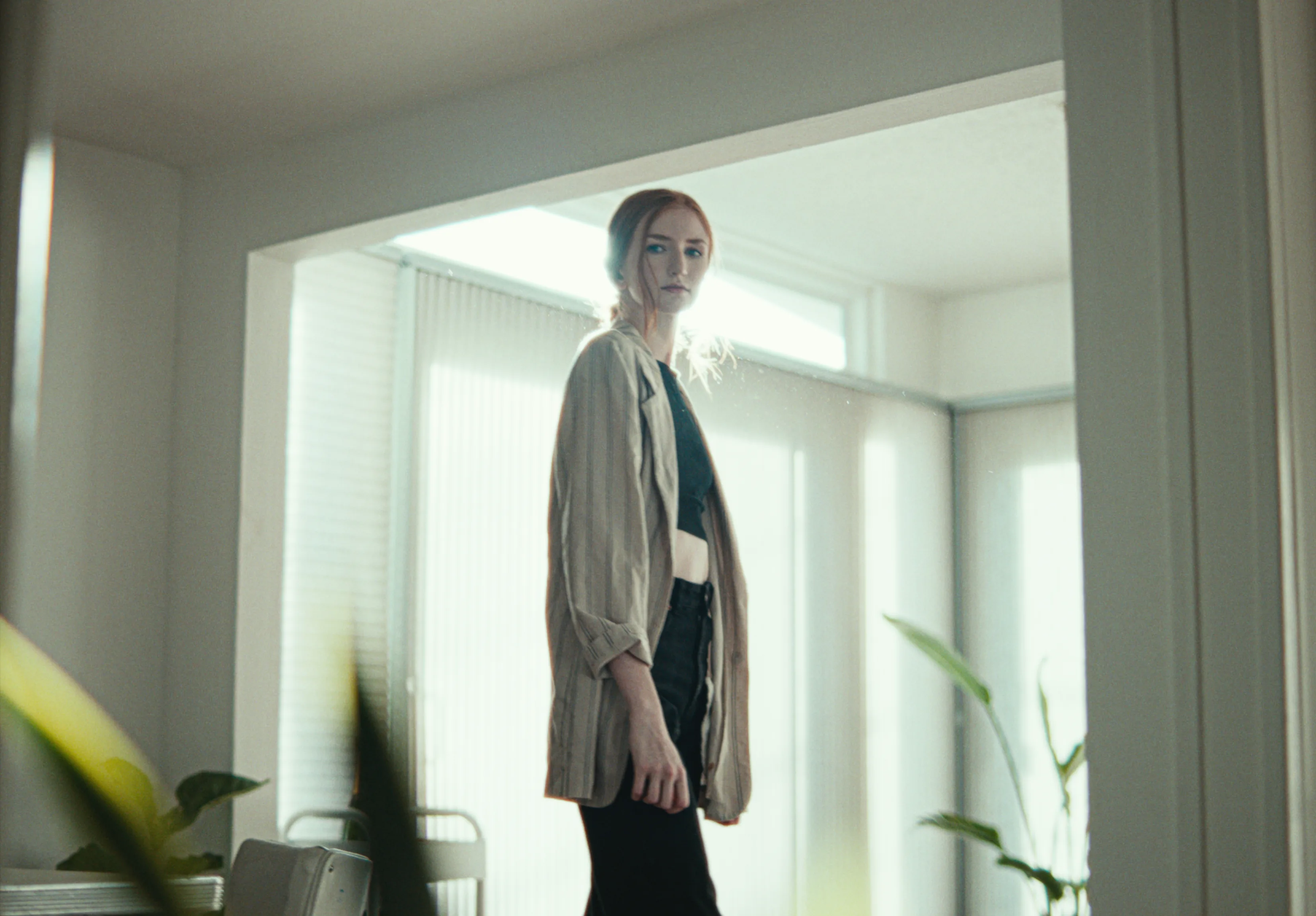
Local contrast. Adds depth without clipping.
Edge crispness without sharpening artifacts or halos.
Per-frequency detail control by octave.


Texture & surface character
Shapes micro-contrast and perceived detail.
RGB balance. Optical printer timing.
Stop-based gain in linear light.
Sigmoid centered on mid-gray.
Zone-weighted offsets with smooth falloff.
Sets the floor and ceiling of your image.
Roll-off control for shadows and highlights.
Perceptually uniform chroma scaling in OKLab.
Selective saturation. Protects skin and saturated colors.
Melanin shifts warm/cool. Hemoglobin controls ruddy vs. golden.
Skin-isolated saturation and luminance.
Local contrast applied only to skin.
Per-hue adjustment for six axes. No banding.
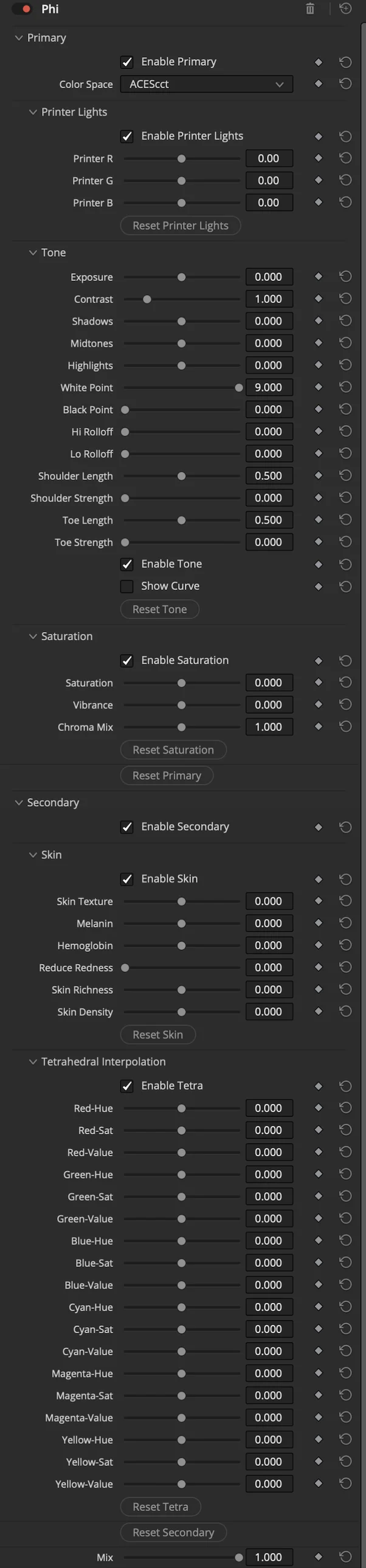

Shot-level balance
Exposure, contrast, color, density, and skin in one pass.
Matches your camera's log and gamut to Alpha's working space.
Intermediate grading domain between camera and negative encoding.
Film negative gamma curves that shape Omega's density response.
 Digital → Negative
 Negative → Digital

Film-Negative Transform
Moves images into and out of film-negative domains.
The System
Film-Negative Transform
Core Grading Engine
Texture & Detail
Look Development
Film-Negative Transform
Core Grading Engine
Texture & Detail
Look Development
$499
BuyCompatible With


DaVinci Resolve
18.0 or later
macOS
12.0 Monterey or later
macOS GPU
Metal & OpenCL
Windows
10 or later
Windows GPU
CUDA (NVIDIA) & OpenCL (AMD)
Workflow
Four OFX plugins for DaVinci Resolve that simulate photochemical film processing from spectral data.
No. One-time purchase, free updates.
All four plugins, unlimited time. Output is watermarked.
Two machines per license.
Any camera DaVinci Resolve supports.
Alpha handles the color space conversion.
They're designed as a suite but each works independently.
Yes, both Free and Studio.
Download the installer, run it, restart Resolve.
See Node Order above for placement.
No. All sales are final.
Use the free trial to evaluate before purchasing.
Questions? [email protected]